
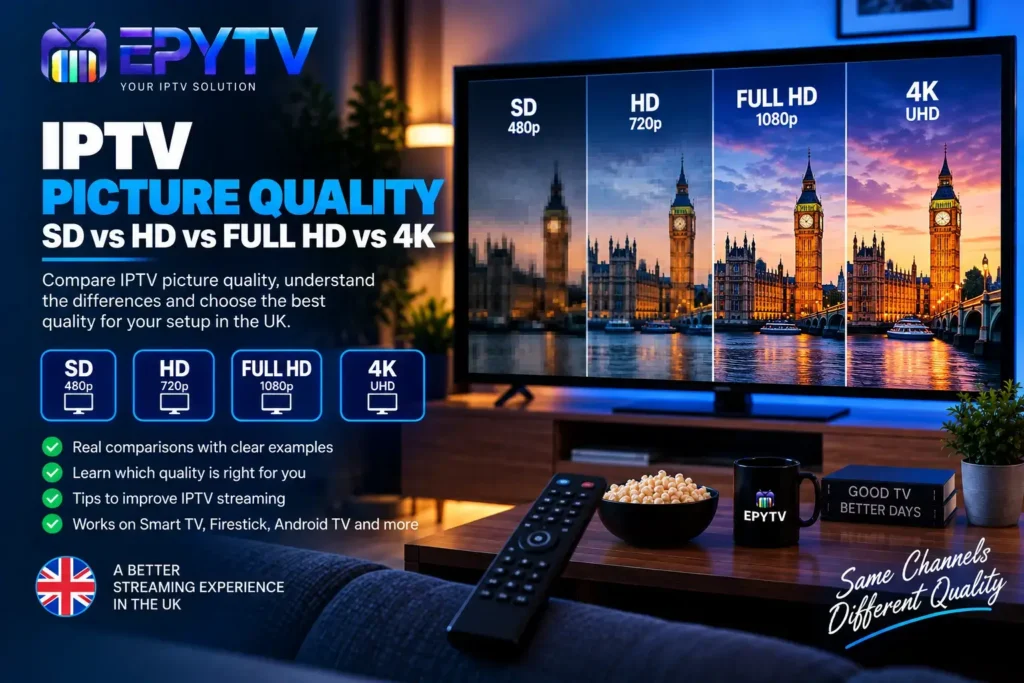
IPTV picture quality can vary significantly depending on the resolution, internet connection, device, application and source of the stream. For viewers in the UK, understanding the difference between SD, HD, Full HD and 4K makes it easier to choose the right quality for a Smart TV, Firestick, Android TV or another compatible device.
READY TO GET STARTED?
Choose Your IPTV UK Plan
Set up your IPTV service on your compatible device and enjoy a simple viewing experience.
Easy Setup • Secure Payment • Flexible Viewing
What Does IPTV Picture Quality Mean?
IPTV picture quality describes how clear and detailed a video stream appears on your screen. One of the most important factors is resolution, which refers to the number of pixels used to display the image.
Generally, a higher resolution can provide more visible detail, but resolution is not the only factor that determines how good an IPTV stream looks. The quality of the original source, compression, bitrate, internet connection and your television or streaming device can all affect the final result.
This means that a stream labelled as 4K will not automatically look better in every situation. A stable connection and a good-quality source are also important.
SD vs HD vs Full HD vs 4K: Quick Comparison
| Quality | Typical Resolution | Image Detail | Typical Use |
|---|---|---|---|
| SD | Around 480p–576p | Basic | Smaller screens and lower bandwidth |
| HD | Around 720p | Good | Everyday streaming |
| Full HD | 1920 × 1080 | High | Modern TVs and larger screens |
| 4K UHD | 3840 × 2160 | Very high | Compatible 4K TVs and devices |
What Is SD IPTV?
SD stands for Standard Definition. It represents a lower-resolution image compared with HD, Full HD and 4K.
SD streams can still be useful, particularly when internet bandwidth is limited or when watching content on a smaller screen. However, on a large modern television, the lower resolution can become more noticeable.
You may see softer images, less detail and more visible compression compared with higher-resolution streams.
When Does SD Make Sense?
- When internet bandwidth is limited.
- When watching on a smaller screen.
- When the original channel is only available in SD.
- When reducing bandwidth usage is more important than image detail.
What Is HD IPTV?
HD means High Definition and generally provides more detail than SD. A common HD format is 720p, although the exact resolution can vary depending on the source.
HD can provide a noticeable improvement over SD, particularly on larger screens. It is often a practical balance between image quality and bandwidth requirements.
If your internet connection is stable but you do not need Full HD or 4K, HD may be sufficient for everyday IPTV viewing.
What Is Full HD IPTV?
Full HD normally refers to a resolution of 1920 × 1080 pixels, commonly known as 1080p.
Full HD provides considerably more detail than standard-definition video and can look sharp on many modern televisions. It is particularly noticeable when watching sports, films and other content where image detail matters.
For many UK households using a modern Smart TV, Full HD can provide a good balance between picture quality and bandwidth requirements.
What Is 4K IPTV?
4K UHD generally refers to a resolution of 3840 × 2160 pixels. This provides four times as many pixels as 1920 × 1080 Full HD.
When the original content, IPTV stream, television and connection all support 4K, the additional resolution can provide more visible detail, especially on larger screens.
However, 4K also requires more data than lower-resolution streams. If the connection is unstable, simply selecting a higher resolution will not necessarily produce a better viewing experience.
Does 4K IPTV Always Look Better?
Not necessarily. Resolution is only one part of picture quality.
A 4K stream can look excellent when the source is genuinely high quality and the connection can handle the required data. But if the source is heavily compressed or the connection is unstable, the image may still look poor.
For example, a high-quality Full HD stream can look better than a heavily compressed 4K stream in some situations.
When comparing IPTV quality, consider the complete chain:
- Original video source
- Video resolution
- Bitrate
- Compression
- Internet stability
- IPTV application
- Streaming device
- Television display
IPTV Resolution and Internet Speed
Higher-resolution video generally requires more bandwidth. However, there is no single internet speed that guarantees a specific IPTV quality because streaming performance depends on several factors.
| Quality | General Guideline | Important Consideration |
|---|---|---|
| SD | Around 5 Mbps+ | Connection stability still matters |
| HD | Around 10 Mbps+ | Wi-Fi quality can affect playback |
| Full HD | Around 15 Mbps+ | Stable bandwidth is important |
| 4K | Around 25 Mbps+ | Higher bandwidth and capable hardware |
These are general guidelines rather than guarantees. Other devices using the same network, Wi-Fi interference and the stream itself can all affect performance.
Why IPTV Picture Quality Can Look Poor
If your IPTV picture looks blurry, pixelated or unusually soft, the resolution may not be the only problem.
1. The Stream Is Lower Quality
The channel may simply be provided in SD or another lower-resolution format. Changing settings on your TV cannot create detail that is not present in the original source.
2. The Stream Is Highly Compressed
Video compression reduces the amount of data required to deliver a stream. Excessive compression can result in visible blocks, softness or loss of fine detail.
3. Internet Connection Is Unstable
An unstable connection can cause buffering, quality changes or interrupted playback. If your IPTV stream repeatedly pauses, check our guide on IPTV buffering in the UK.
4. Wi-Fi Signal Is Weak
Even with a fast broadband package, the connection between your router and TV can affect streaming. Distance, walls and interference can reduce wireless performance.
5. The Device Has Limited Performance
Older or less powerful streaming devices may have difficulty handling certain high-resolution streams. Make sure the device supports the resolution you are trying to watch.
IPTV Picture Quality on Smart TV
Modern Smart TVs can display high-resolution video, but the result still depends on the IPTV source and application.
If you are using IPTV on Samsung, LG or another Smart TV, check the TV’s display settings and make sure the IPTV application is compatible with the device.
You can also check our complete IPTV Smart TV setup guide for more information.
IPTV Picture Quality on Firestick
Fire TV devices can be used with compatible IPTV players, but supported resolutions and performance can differ between models.
If you are using a Firestick and experiencing poor picture quality, check the device’s display settings, available storage, network connection and the IPTV application’s performance.
Our IPTV on Firestick setup guide covers the installation process and common performance problems.
IPTV Picture Quality on Android TV
Android TV is another popular platform for IPTV applications. Depending on the television or Android TV device, you may be able to use HD, Full HD or 4K content.
The application, device hardware and TV display must all support the desired format for you to get the expected result.
If you use Android TV, see our complete Android TV IPTV setup guide.
What Is Bitrate and Why Does It Matter?
Bitrate refers to the amount of data used to represent video over time. It is usually measured in bits per second, such as Mbps.
Resolution tells you how many pixels are displayed, while bitrate gives you an indication of how much data is being used to encode the video.
Two streams can have the same resolution but look different because they use different encoding settings, compression levels and bitrates.
This is one reason why simply choosing a stream labelled “4K” does not automatically guarantee the best-looking image.
Does Your TV Size Affect IPTV Picture Quality?
Screen size can change how noticeable differences in resolution are.
On a smaller screen, the difference between HD and Full HD may be less obvious from a normal viewing distance. On a large television, lower-resolution content can appear softer because the image is being displayed across a larger area.
Your viewing distance also matters. Sitting closer to a large screen can make differences in image detail easier to notice.
How to Improve IPTV Picture Quality
If the source itself is good enough, several practical steps can help you get the most from your IPTV setup.
- Use a stable internet connection.
- Move your router closer to the TV when possible.
- Consider Ethernet if Wi-Fi is unreliable.
- Use a compatible IPTV player.
- Keep your streaming device updated.
- Check the TV’s display settings.
- Avoid unnecessary network downloads during streaming.
- Make sure your device supports the resolution you want to watch.
- Test another channel to determine whether the problem affects the entire service.
SD vs HD vs Full HD vs 4K: Which Should You Use?
The right IPTV quality depends on your television, internet connection, device and the quality of the available stream.
| If You Have… | You May Prefer… | Reason |
|---|---|---|
| Limited bandwidth | SD or HD | Lower data requirements |
| Average modern TV | HD or Full HD | Good balance of quality and bandwidth |
| Large Full HD TV | Full HD | Makes good use of the display resolution |
| 4K TV and suitable connection | 4K UHD | Can provide greater detail when the source supports it |
Common IPTV Picture Quality Problems
| Problem | Possible Cause | What to Check |
|---|---|---|
| Blurry image | Low resolution or compression | Test another channel and check source quality |
| Pixelation | Compression or unstable connection | Check network stability |
| Buffering | Connection or stream issue | Test internet and another channel |
| 4K not available | Device, app or source limitation | Check device and stream compatibility |
Frequently Asked Questions
What is the best IPTV picture quality?
There is no single quality that is best for every setup. SD, HD, Full HD and 4K all have different bandwidth and hardware requirements. The appropriate choice depends on your TV, device, internet connection and available stream.
Is Full HD better than HD for IPTV?
Full HD provides a higher resolution than standard HD and can show more detail when the source, device and display support it.
Is 4K IPTV worth using?
4K can provide more detail on compatible 4K displays, but it requires a suitable source, device and connection. A lower-resolution stream with better source quality can sometimes look better than a heavily compressed higher-resolution stream.
Why does my IPTV look pixelated?
Pixelation can be related to compression, source quality or an unstable connection. Test another channel and check your network to determine whether the issue affects one stream or the entire service.
Does faster internet improve IPTV picture quality?
A faster and stable connection can help support higher-quality streams, but internet speed alone cannot improve the quality of a source that is already low resolution or heavily compressed.
Can I watch 4K IPTV on a Full HD TV?
A Full HD display cannot show the full 4K resolution. The device or application may still process the stream, but the screen itself has a lower native resolution.
Why does IPTV quality change between channels?
Different channels can come from different sources and use different resolutions, bitrates and encoding settings. As a result, picture quality can vary from one channel to another.
Final Thoughts
Understanding IPTV picture quality makes it easier to choose the right streaming setup. SD uses less bandwidth but provides less detail, HD offers a step up in clarity, Full HD provides 1920 × 1080 resolution, while 4K UHD can provide significantly more detail when the source and hardware support it.
For IPTV users in the UK, the most important thing is not simply choosing the highest number available. Your internet stability, UK IPTV source, application, streaming device and television all contribute to the final picture.
If your IPTV picture is blurry, pixelated or buffering, check each part of the setup before changing the resolution. In many cases, improving the network connection or identifying a source-specific problem can make a bigger difference than simply selecting a higher-quality stream.
READY TO GET STARTED?
Choose Your IPTV UK Plan
Set up your IPTV service on your compatible device and enjoy a simple viewing experience.